Product Specifications
- 3-in-1 print, copy and scan from one compact printer
- Dual-band Wi-Fi with QR code set-up and the Canon PRINT app
- Up to 14 ipm mono and 9 ipm colour print speeds
- Automatic double-sided printing and borderless photo prints
- 1.42″ OLED display and 100-sheet front-loading paper cassette
- Compatible with the PIXMA Print Plan ink subscription
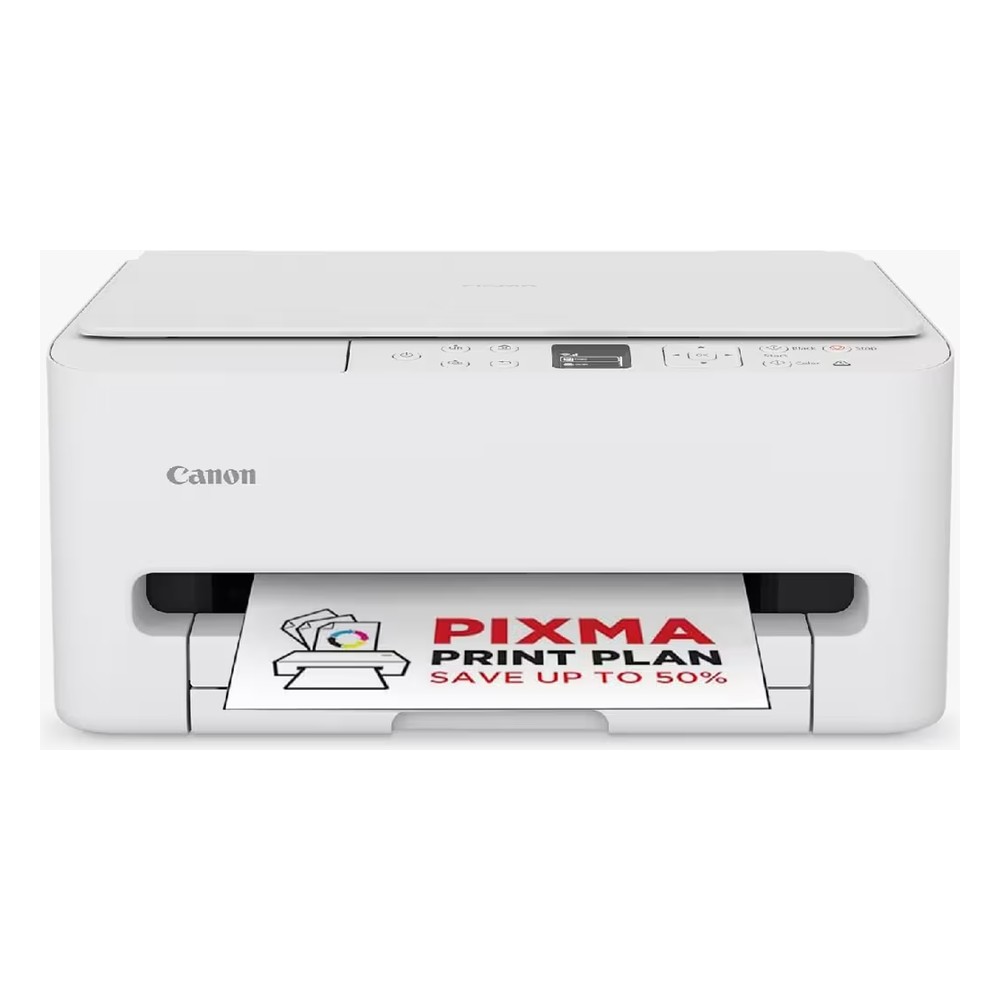
The Canon PIXMA TS6550i is a compact 3-in-1 wireless inkjet printer for home printing. It prints, copies and scans, and works with your phone, tablet or PC, so it suits homework, home-office documents and photo prints.
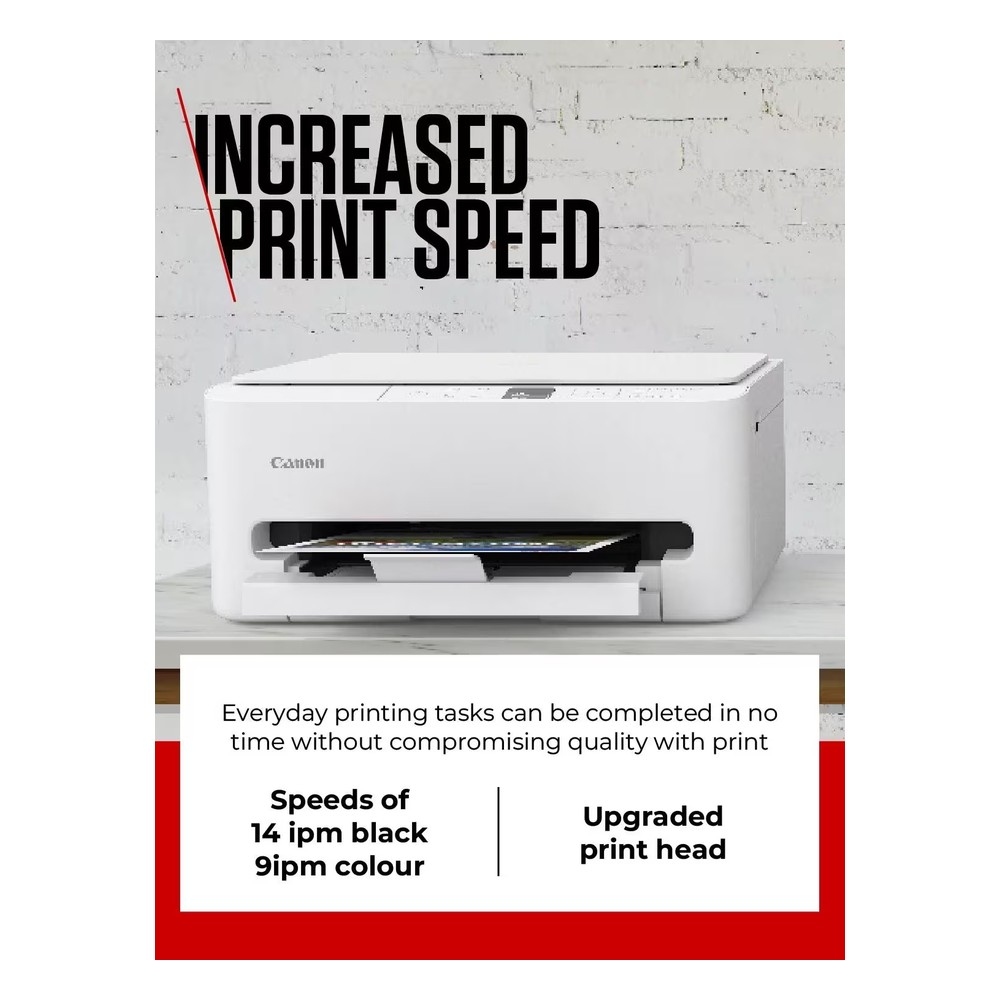
Fast, everyday printing
An upgraded print head with more nozzles gives speeds of up to 14 images per minute in mono and 9 in colour. Pigment black ink keeps text sharp, and a first page in around 7.5 seconds for mono documents makes quick jobs painless.
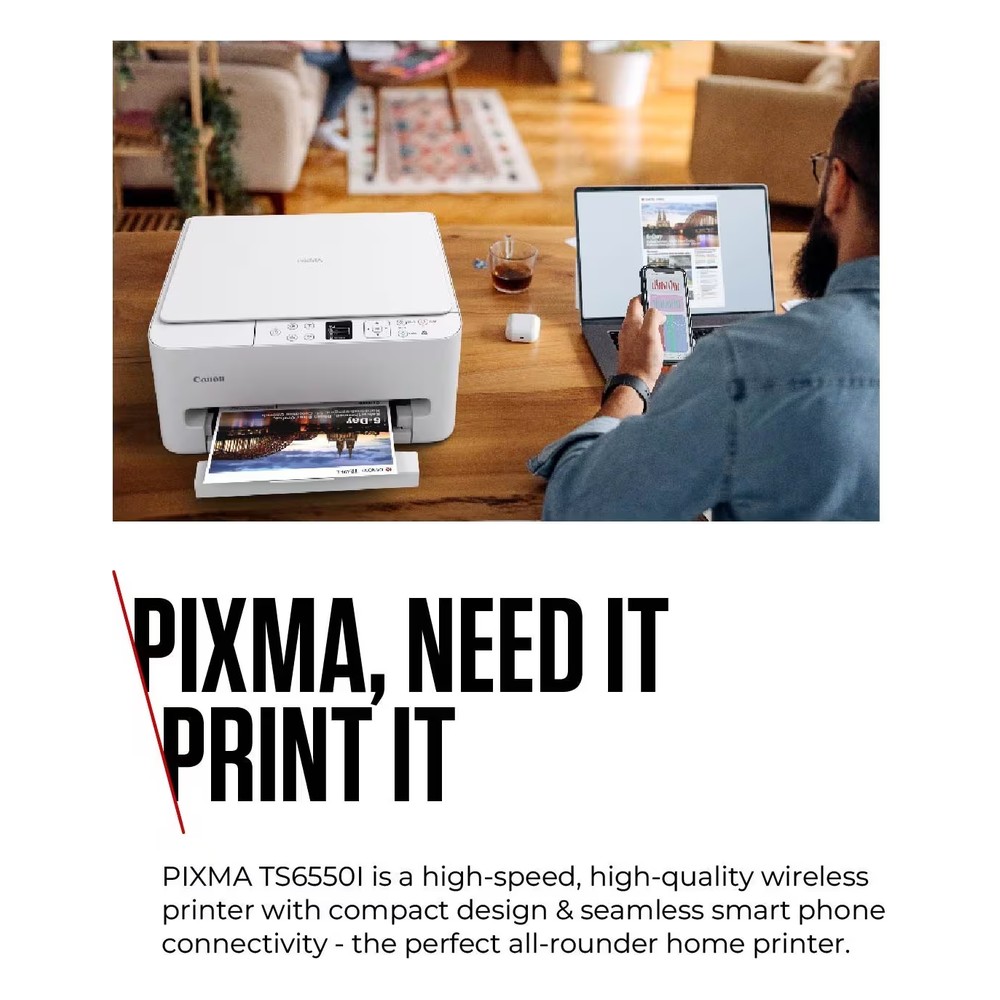
Easy wireless connection
Dual-band Wi-Fi (2.4GHz and 5GHz) and a simple QR code set-up get you printing quickly. You can print from Apple and Android devices with the Canon PRINT app, Apple AirPrint or Mopria. USB connection is also available.
Photos and paper-saving features
Borderless printing is available on sizes from 10 x 15cm up to A4, with a 10 x 15cm photo taking around 39 seconds. Automatic duplex printing saves paper on everyday documents.
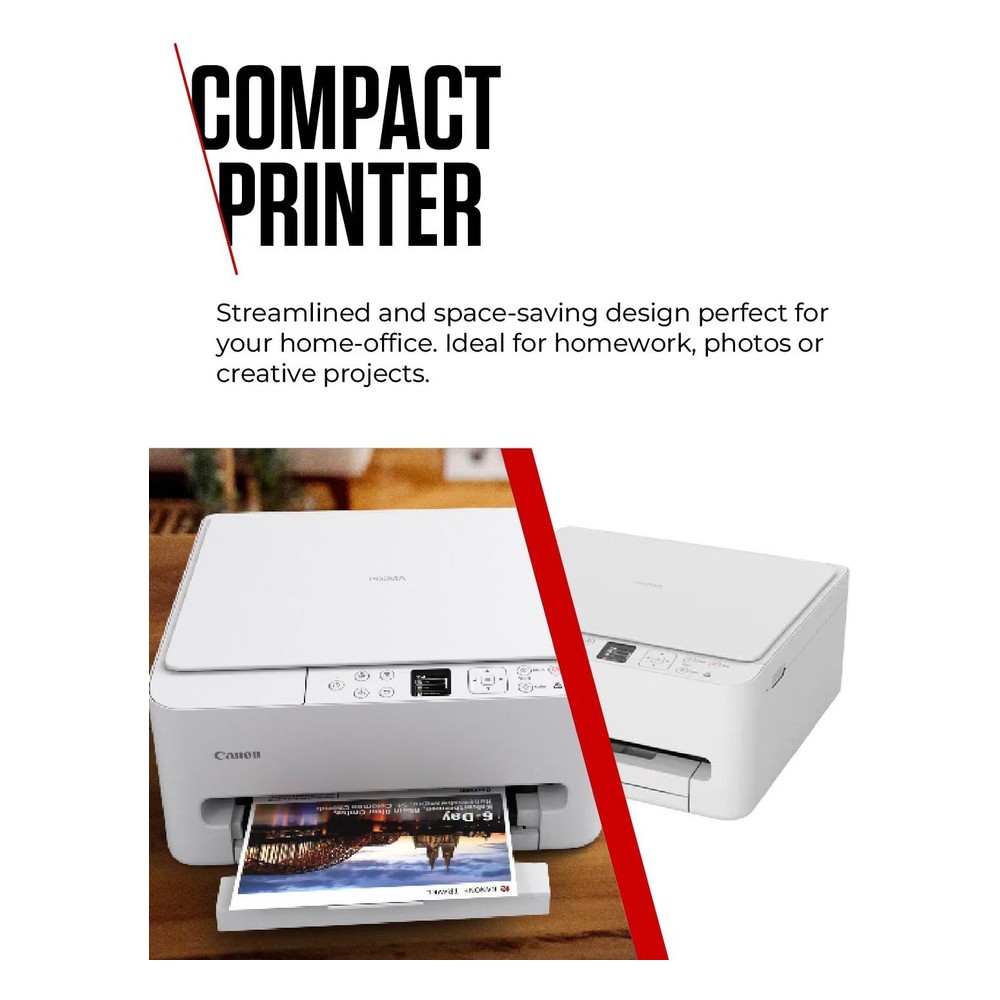
Compact and simple to use
At just 374mm wide, the TS6550i fits into tight spaces. The 100-sheet cassette loads from the front, and the 1.42″ OLED display with a tilted control panel makes settings and 1-touch copying straightforward.
PIXMA Print Plan
The printer is eligible for Canon’s PIXMA Print Plan, an optional subscription that sends replacement ink before you run out.
Specifications
| Brand |
Canon |
| Model |
PIXMA TS6550i |
| Colour |
White |
| Functions |
Print, copy, scan |
| Print technology |
Inkjet, 2 FINE cartridges (pigment black and colour) |
| Print resolution |
Up to 1200 x 1200 dpi |
| Print speed |
Approx. 14.0 ipm mono / 9.0 ipm colour |
| Double-sided printing |
Automatic (A4, Letter plain paper) |
| Connectivity |
Wi-Fi 2.4GHz and 5GHz, USB |
| Mobile printing |
Canon PRINT app, Apple AirPrint, Mopria, Canon Print Service Plugin |
| Display |
1.42″ OLED |
| Paper tray capacity |
Up to 100 sheets of plain paper |
| Maximum paper size |
A4 |
| Compatible inks |
PG-595 / PG-595XL (black), CL-586 / CL-586XL (colour) |
| Dimensions (W x D x H) |
374 x 355 x 168 mm |
| Weight |
5.3 kg |
WARRANTY MAY BE SUBJECT TO REGISTRATION OF PRODUCT.

 Tablets & iPad
 Apple Watches
 Activity Trackers
 Tablet Cases / Laptop Bags
 Laptops
 Computers
 Monitors
 Memory & Hard Drives
 Printers
 Printer Ink
 WiFi & Smart Home
 Robot Vacuums
 CCTV & Security
 Google Smart Home
 Content Creation
 Dashcam & Satnav
 Keyboards & Mice
 Software
 Headsets & Webcams
 Cameras
 Mobile Phones
 Home Phones
 Chargers & Power Supplies
 Cables & Adaptors
 Dishwashers
 Washing Machines
 Washer Dryers
 Tumble Dryers
 Fridges
 Freezers
 Fridge Freezers
 Cookers
 Hobs
 Built in Ovens
 Cooker Hoods
 Mini Ovens
 Microwaves
 Coffee
 Kettles
 Toasters
 Quooker Taps
 Healthy Cooking
 Blenders
 Mixers
 Food Preparation
 Air Fryers
 Deep Fat Fryers
 Cooling
 Dyson Store
 Vacuum Cleaners
 Steam Cleaning
 Hair Care
 Personal Care
 Irons & Fabric Steamers
 Electric Fires
 Heating
 Electric Blankets
 Dehumidifers
 TV’s 24″ – 39″
 TV’s 40″ – 49″
 TV’s 50″- 75″
 TV Mounts & Stands
 SoundBars
 Headphones
 Record Players
 Hi-Fi System & Radio
 Speakers
 Alarm Clocks
 Blue-Ray & DVD
 Set Top Boxes & Media
 Aerials
 Remote Controls
 Cables & Accessories
 Smart Lighting
 Desk Lamps
 Outdoor Solar
 Magnalux Outdoor Lighting Brochure